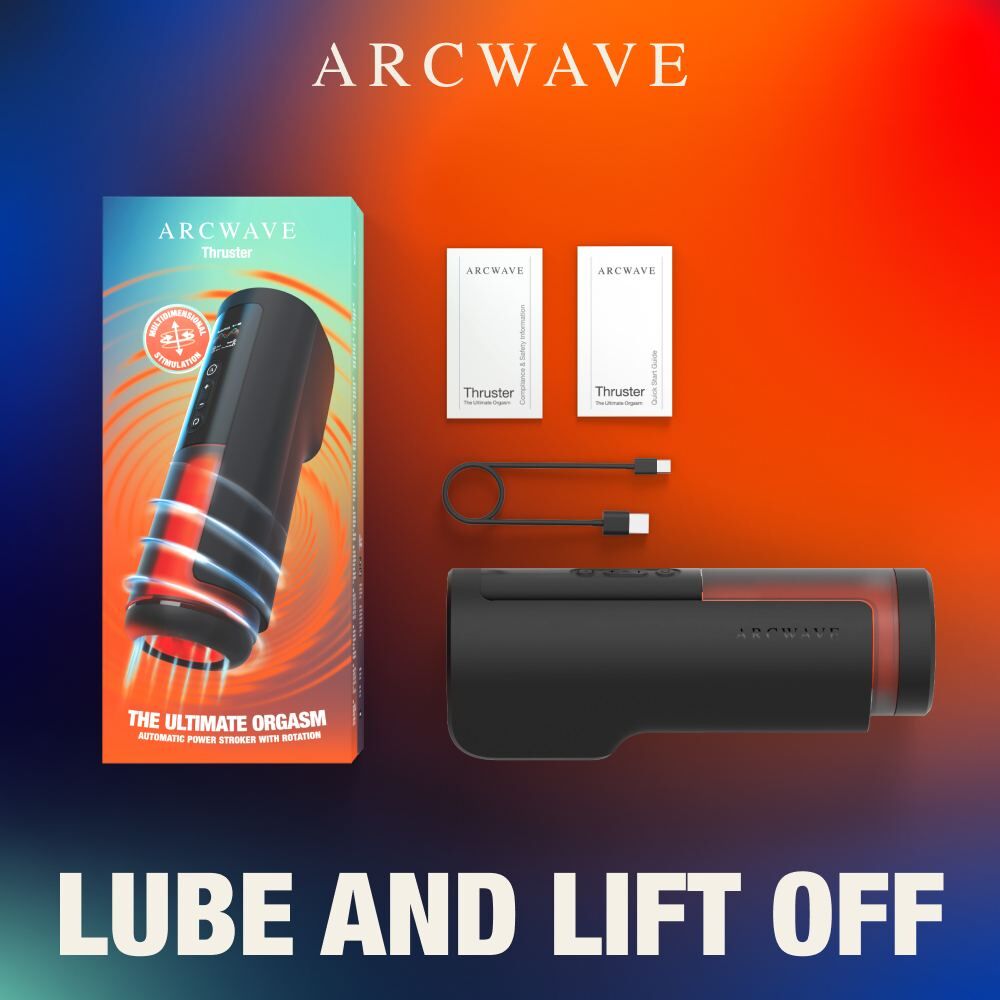
Arcwave Thruster Rotation app-controlled Stroker
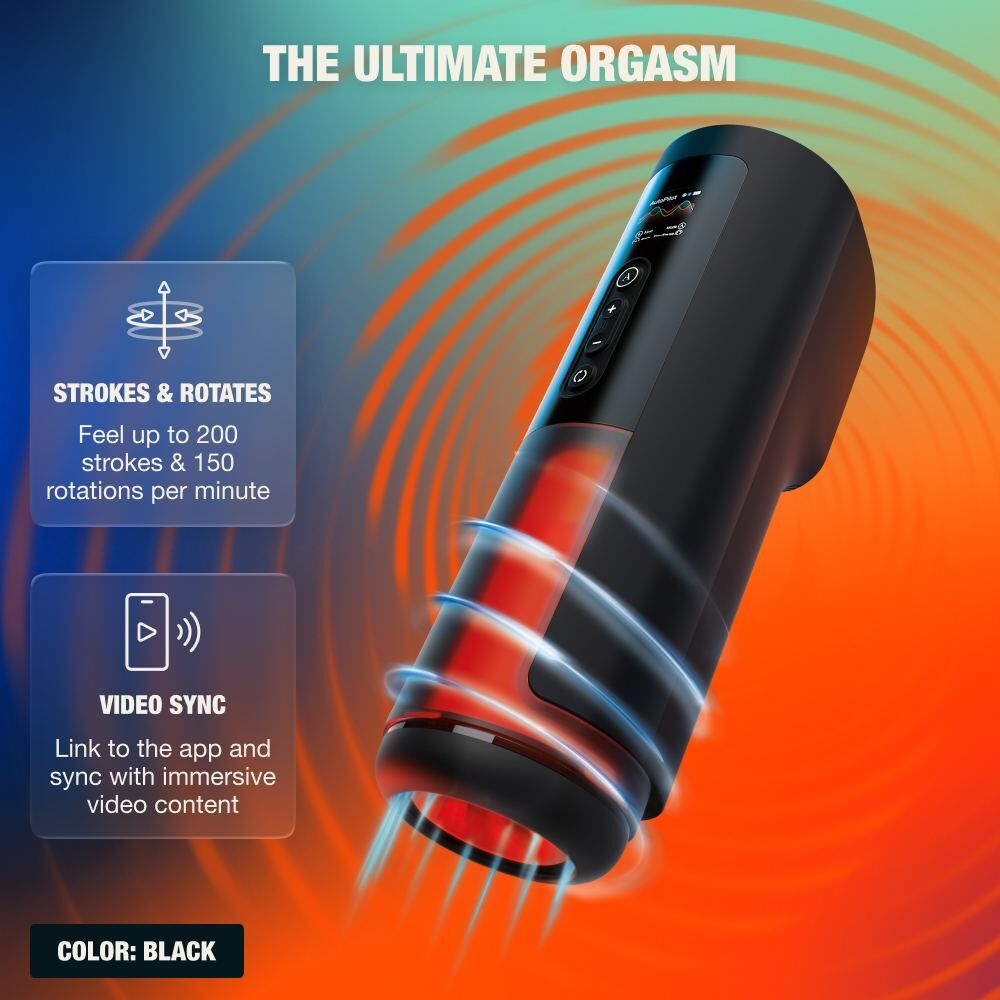
The Arcwave Thruster Rotation Stroker combines synchronized thrusting and rotating movements to deliver a truly immersive, full-body sensation. Equipped with a built-in color display, it provides instant feedback on your session details, while the innovative quick-release sleeve system ensures that maintenance and cleaning are entirely effortless.
With high-performance motion, app-based video synchronization and convenient recharging, this premium device offers a modern, tech-forward way to elevate your solo experience.
Why Customers Love Arcwave Thruster Rotation Stroker
- Combined thrusting and rotation for dual-action stimulation
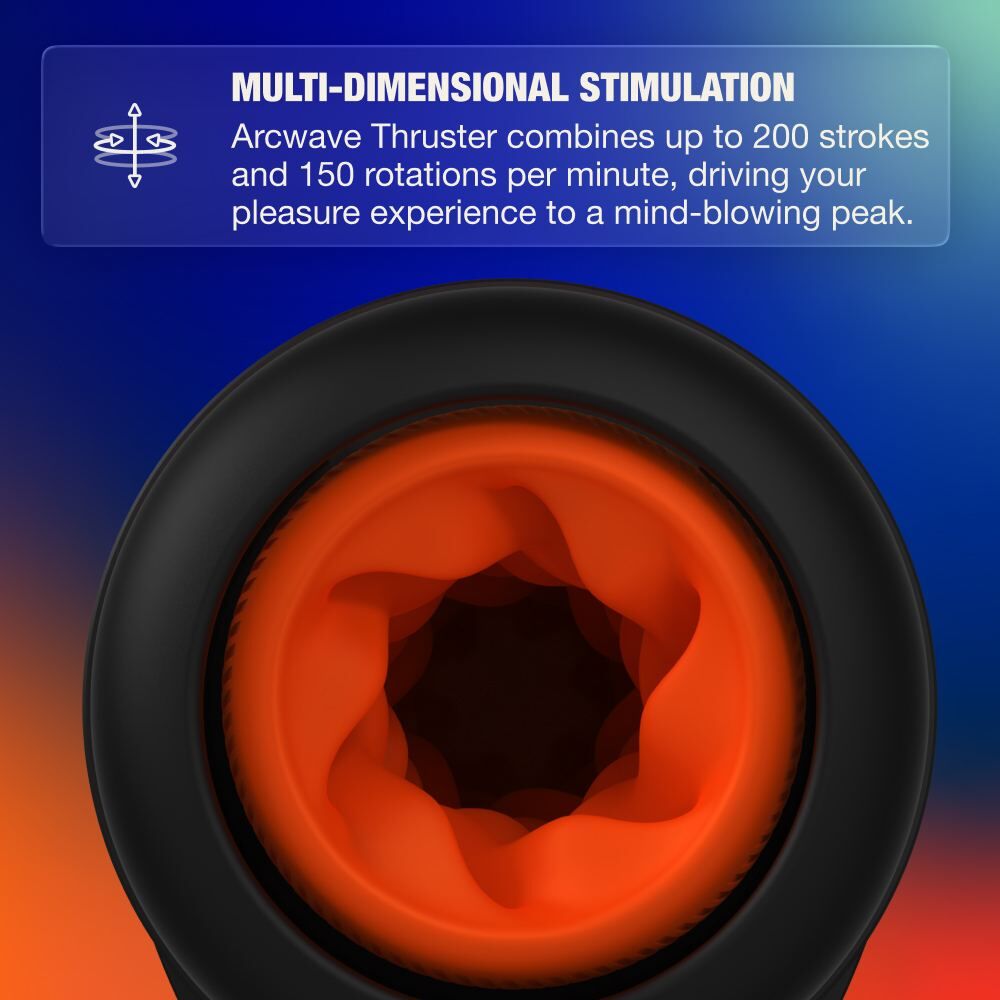
- Powerful motor delivering up to 200 strokes and 150 rotations per minute
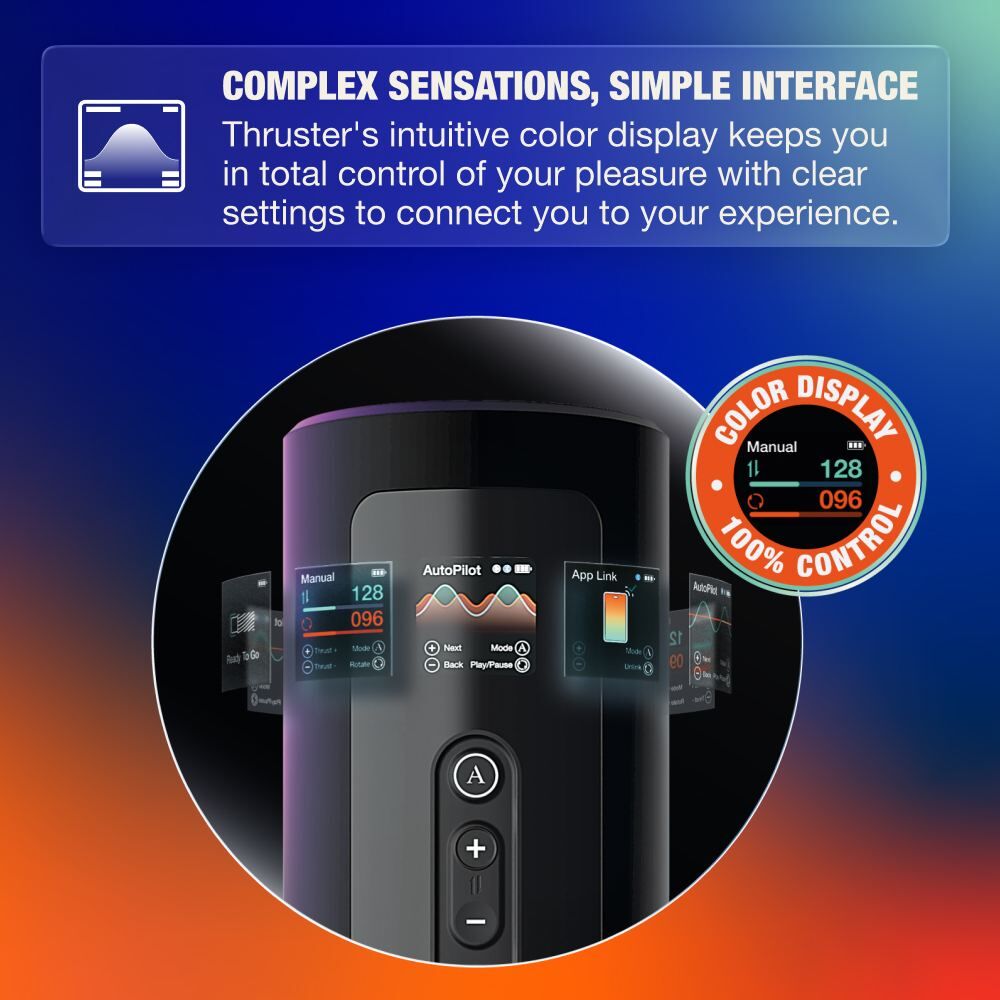
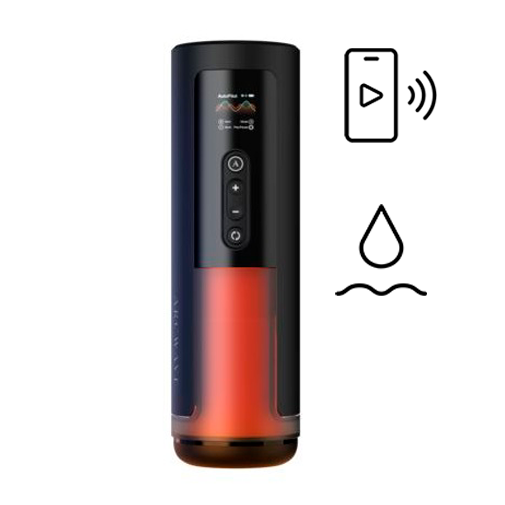
- Intuitive color display for clear session control and feedback
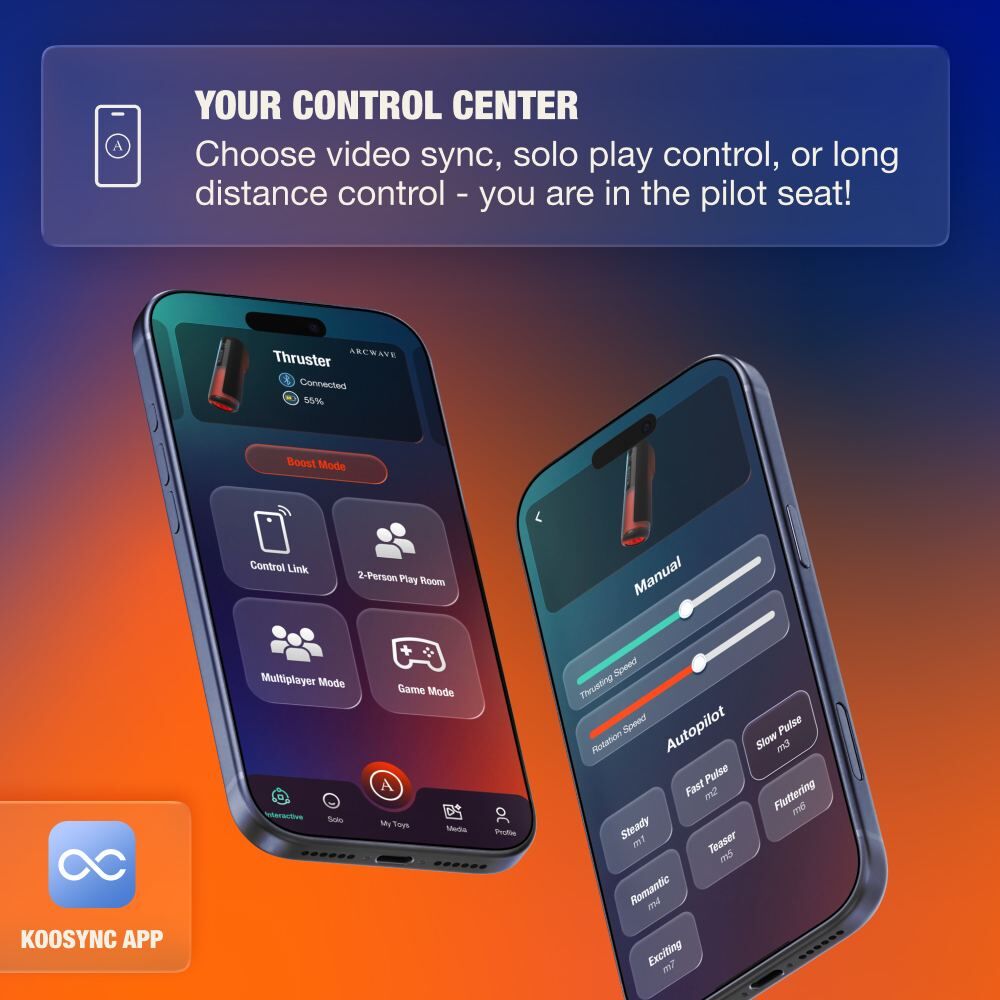
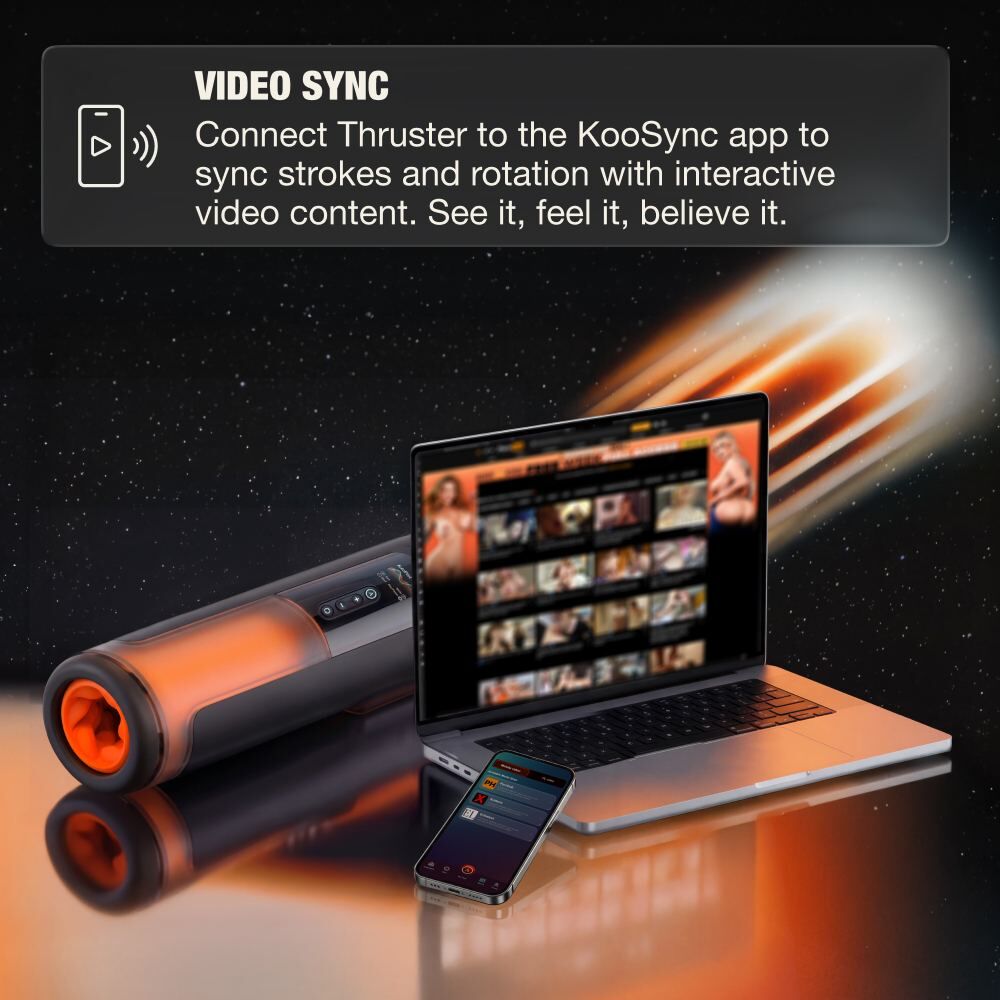
- Real-time video sync via KooSync app for immersive experiences
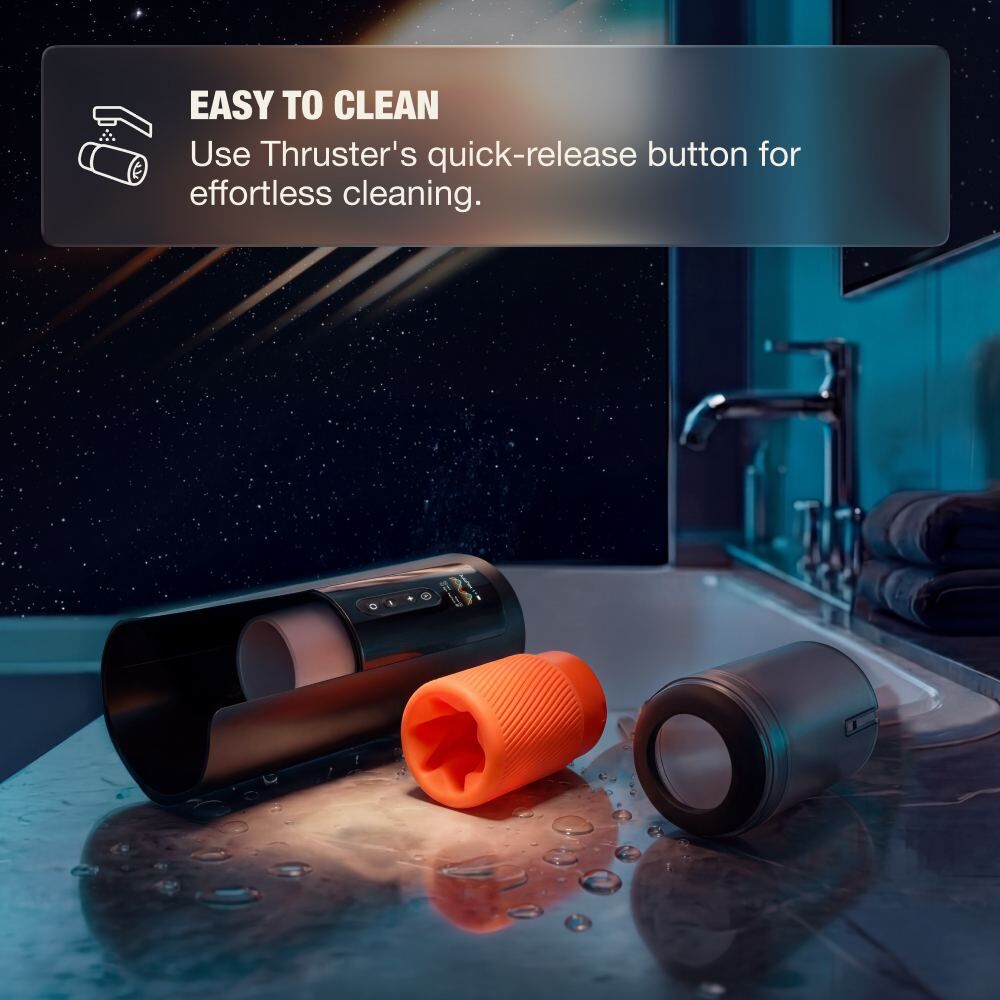
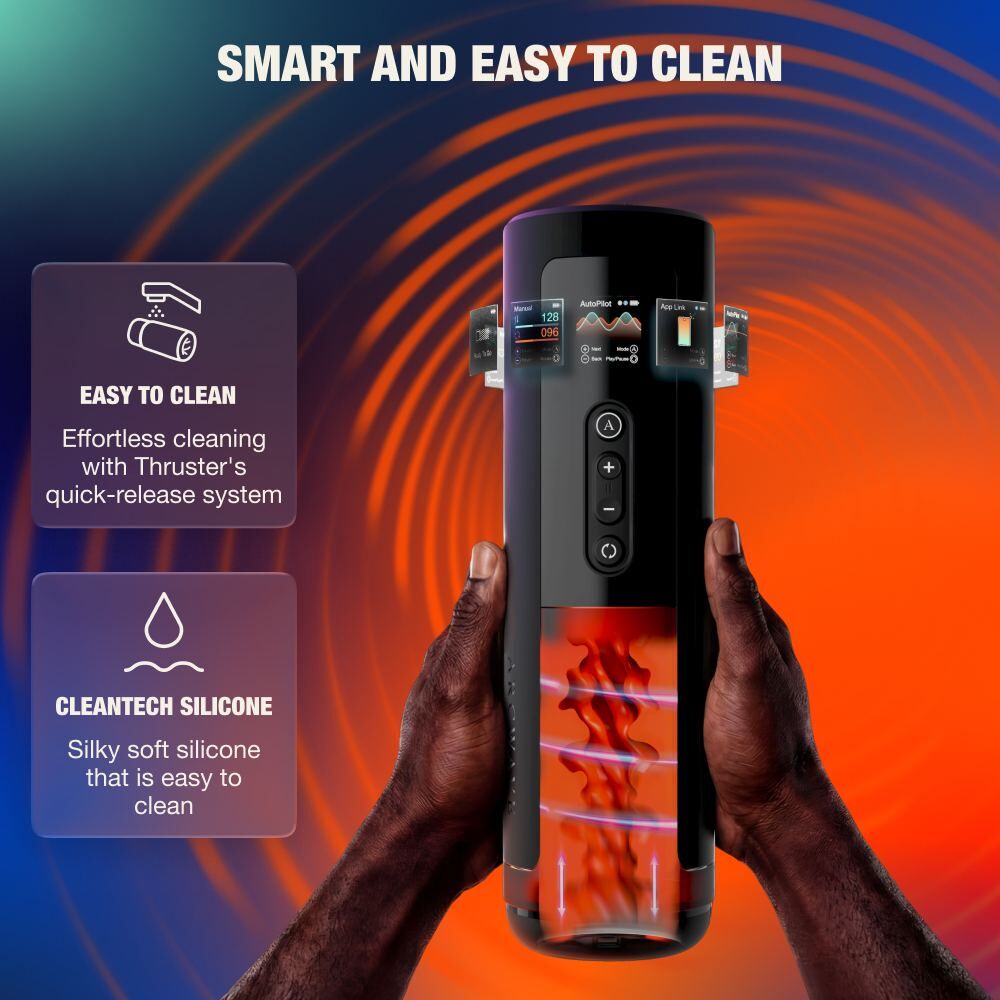
- Quick-release system for fast and effortless cleaning
- Multiple play modes for customizable intensity and rhythm
Features
- Dual Motion Technology: Simultaneous thrusting and rotation work together to create a deeply engaging, layered stimulation experience.
- High-Speed Performance: Reaches up to 200 strokes and 150 rotations per minute for powerful, consistent motion control.
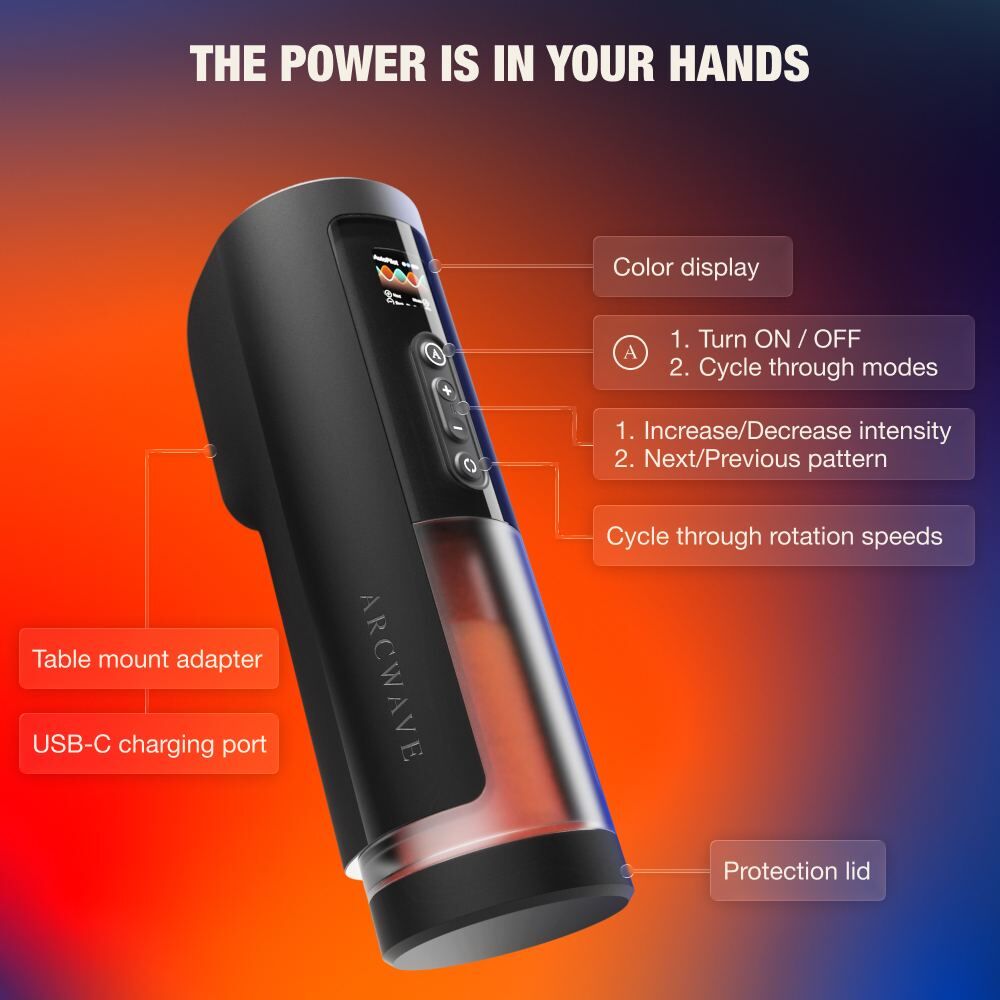
- Intuitive Color Display: Provides real-time feedback on mode selection, speed, battery status, and connectivity.
- Manual, Autopilot & App Link Modes: Switch between fully manual control, automated patterns, or app-driven interactive experiences.
- Quick-Release Cleaning System: Allows fast removal of the sleeve cover for easy access and maintenance.
- Sleeve Detection: Ensures the device only activates when the sleeve is properly installed for safe operation.
- App Control & Video Sync: The KooSync app provides interactive Bluetooth control with customizable vibration patterns, sound-reactive functionality, long-distance connectivity, and real-time video synchronization. After pairing, the interface automatically changes to a dedicated Arcwave-branded design.
How to Use?
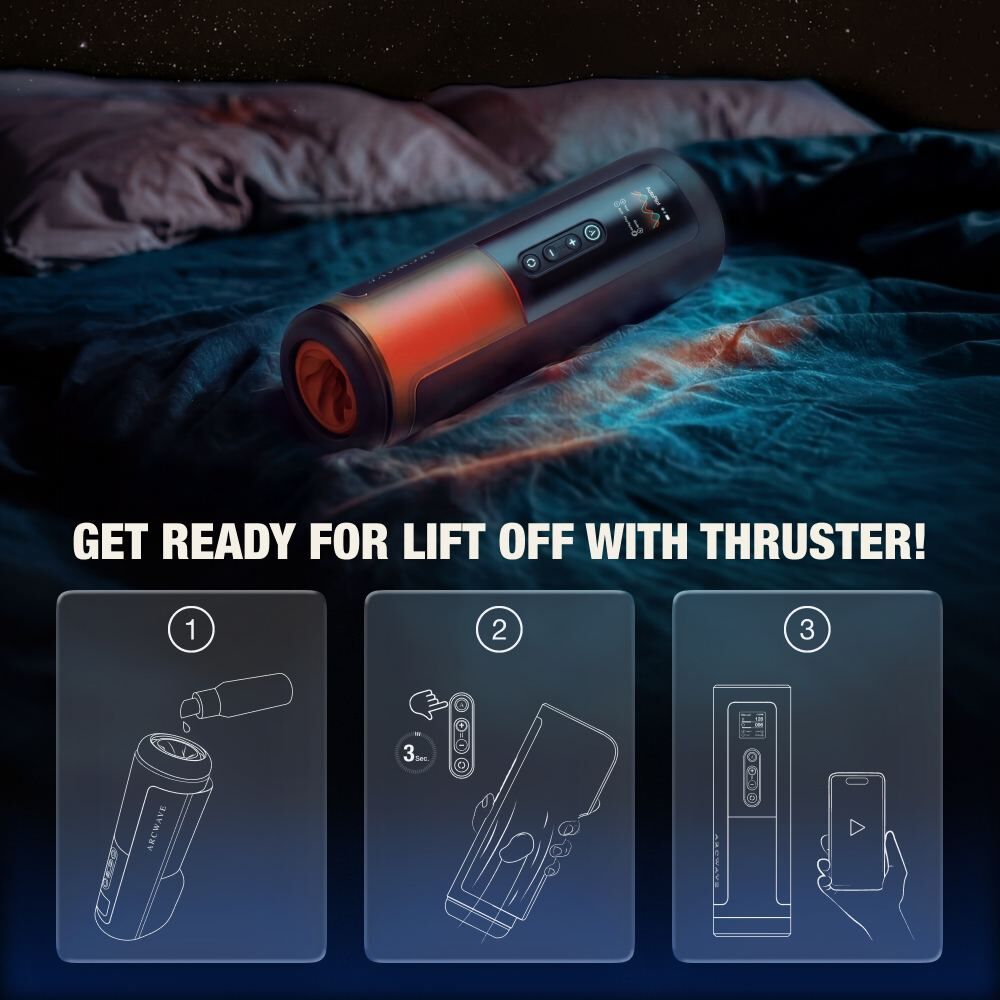
- Press and hold the A button to turn on the device. The display and LED indicators will activate.
- Use the A button to cycle through available modes.
- Manual Mode: Use the + / - buttons to control stroking speed. Use the cycle control button to adjust rotation speed.
- Autopilot Mode: Let the device run preset patterns automatically. Use + / - to switch between patterns and the cycle button to pause or resume.
- App Link Mode: Connect via KooSync app to access dynamic control, media sync, and remote or custom pattern play.
- To clean, press the quick-release button, remove the sleeve cover, and gently detach the sleeve from the drivetrain.
- After cleaning, reassemble the device by reinserting the sleeve and sleeve cover until securely locked into place.
Specifications
- Material: ABS plastic & silicone
- Product dimensions: 112 x 289 x 89 mm (4.41 x 11.38 x 3.50 in)
- Product weight: 1291 g (45.54 oz)
- Package dimensions: 130 x 335 x 150 mm (5.12 x 13.19 x 5.91 in)
- Package weight: 1882 g (66.39 oz)
- Battery: Rechargeable Li-ion battery (7.4V, 1200mAh)
- Run time: 45 min (at highest intensity)
- Charge time: 120 min
- Water resistance level: IPX7 waterproof sleeve & cover; non-waterproof base unit
What's Included
- Arcwave Thruster device
- Soft CleanTech silicone sleeve
- Protection lid
- User manual
- USB-C charging cable
Control Methods
- On-device buttons: A button for power and mode switching, + / - buttons for intensity and pattern adjustment, and cycle control button for rotation speed selection.
- App control: KooSync Bluetooth connectivity enables remote control, custom patterns, video sync, and interactive play features.
- Color display: Shows mode, speed, battery status, and system notifications in real time.
Warning & Safety Measures
IMPORTANT! The drive train is NOT waterproof and should only be cleaned with a damp cloth. The silicone sleeve and sleeve cover are IPX7 waterproof and can be washed separately. Always ensure all components are fully dry before reassembly and use.